Sign in and your account
Create your AImetier account (or sign back into the one you have) and start running your team of digital employees — no credit card required.
Create your account
Section titled “Create your account”Open the sign-in page
Go to app.aimetier.com. You’ll see a small card with the AImetier wordmark and a short prompt.
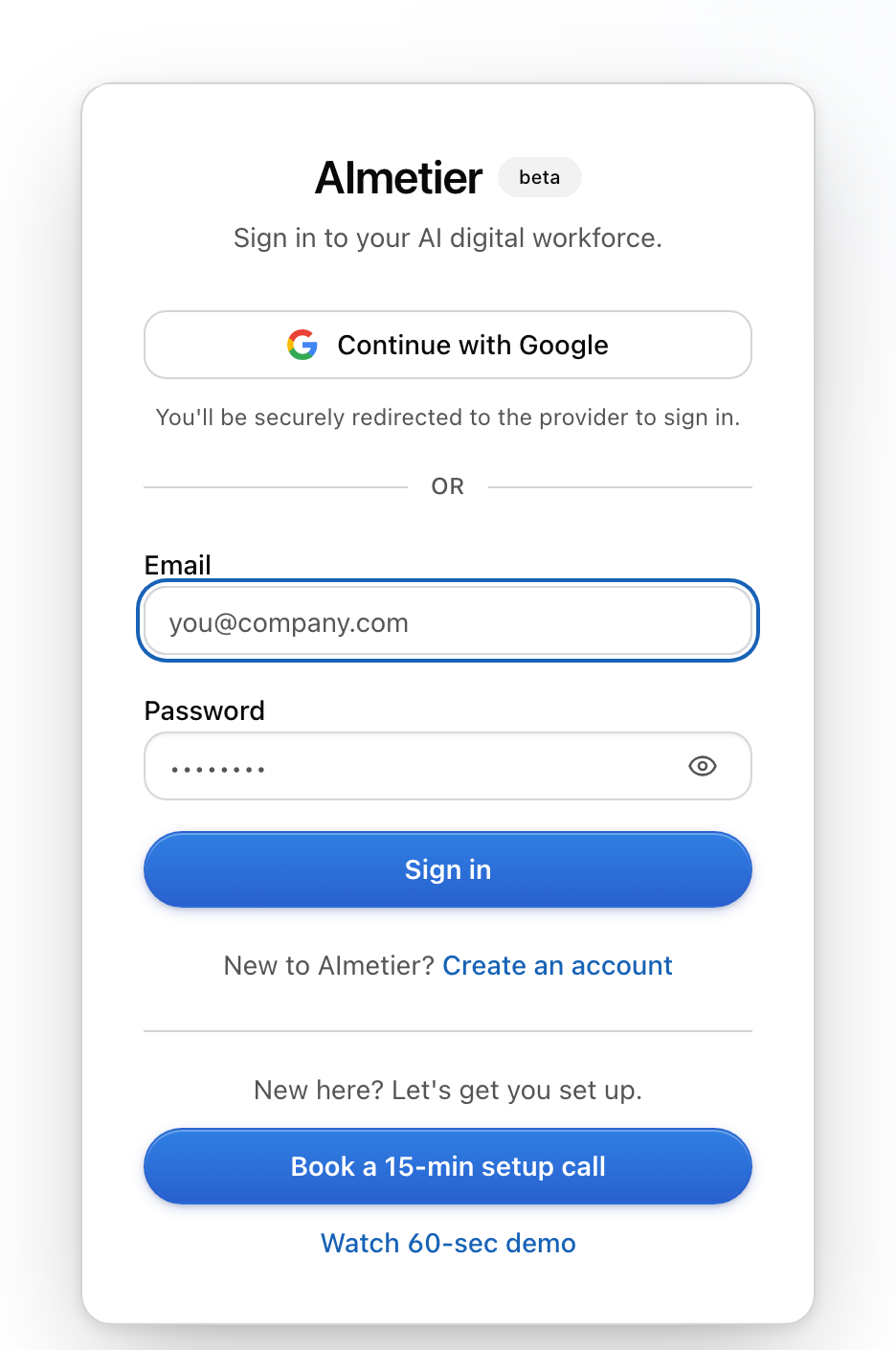
Pick how you'd like to sign up
Choose the way that’s easiest for you:
- Continue with Google — one tap, no new password to remember.
- Email and password — fill in your name, email, and a password, then choose Create an account.
Confirm your email (email sign-ups only)
If you signed up with email, we send a short confirmation message to your inbox. Open it and follow the link to confirm your address. This one-time step keeps your account safe — it proves the email is really yours, so no one else can use it.
Land in your workspace
After you sign up, AImetier walks you through a quick, friendly setup and drops you into your own workspace — your company of digital employees.
Sign back in
Section titled “Sign back in”Already have an account? On the same page, choose Sign in, then either continue with the social account you used before, or enter the email and password you signed up with. You’ll land back in your workspace right where you left off.
What “your account” means
Section titled “What “your account” means”For inviting others to your company, or joining someone else’s, see Joining with an invite.
What if it isn’t working?
Section titled “What if it isn’t working?”If you can’t sign in or sign up, try these in order:
- Double-check your email and password. A small typo is the most common cause — passwords are case-sensitive.
- Confirm your email first. If you just signed up by email and haven’t clicked the confirmation link yet, sign-in won’t work until you do. Check your inbox (and spam folder).
- “An account with that email already exists.” You’ve signed up before — choose Sign in instead of Create an account.
- Too many tries? Wait a minute, then try again — repeated attempts are paused briefly for safety.
- Social sign-in didn’t come back? Try a different method (for example, email and password), or try again in a fresh browser tab.
Still stuck? Head to Getting help and we’ll get you in.
Do I need a credit card to sign up?
No. Creating your account and getting started is free, and we never ask for a card just to sign up.
Does signing in connect my email inbox?
No. Signing in only creates your AImetier account. It does not read, connect, or send from your email. Nothing is sent on your behalf without your OK.
Why do I have to confirm my email?
It’s a one-time check that the email address is really yours, so no one else can use it to get into your account. Just open the confirmation message and follow the link.
Can one account run more than one company?
One account holds one company — your workspace. If you need a separate company, you can start a fresh one with a new sign-up. See Joining with an invite for how invites and multiple workspaces work.
I forgot my password — what do I do?
If you signed up with Google, just use that same button to sign in (there’s no separate AImetier password). If you used an email and password and can’t get in, see Getting help.